Updated
Send huge files
Send the files
email laughs at.
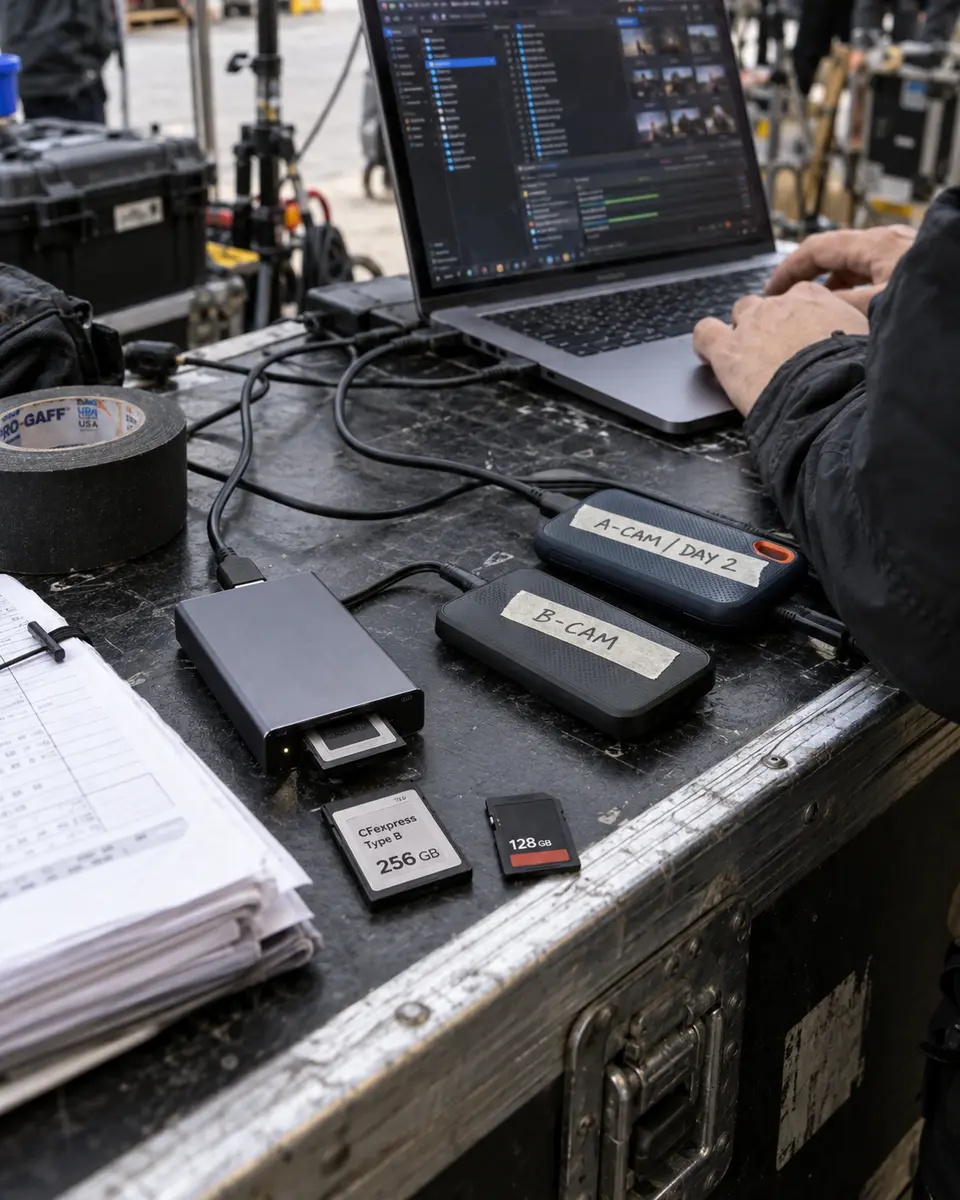
Drag in a whole shoot and hit send. Tranzfer moves hundreds of gigabytes straight from your browser. Nothing to install, nothing to zip, no splitting a project into polite little pieces.
Your plan is the only limit
No separate cap per file. Free holds 20 GB at once, Studio holds 3 TB.
Straight from the browser
Chrome, Edge, Safari, Firefox. If it opens tranzfer.app, it can send.
Tested at 100 GB
One upload, eight things broken on purpose, the exact same file at the end.
Questions
Is there a size limit per file?
No separate one. A single file can be as big as your plan holds at once: 20 GB on Free, 300 GB on Starter, 1 TB on Pro and 3 TB on Studio.
Do I need to install anything?
No. Tranzfer runs in Chrome, Edge, Safari and Firefox. The person you send to doesn't install anything either.
Do I have to zip it first?
No. Send files and folders as they are. Subfolders and file names arrive the way you sent them.
How was it tested?
We sent one 100 GB upload and broke it eight ways on purpose, including Wi-Fi off, a reload, a closed tab and a crashed browser. It finished, and the file on the other end matched the original exactly.
What it costs
- Free $0
- 20 GB at once, links up to 3 days
- Starter $15/mo
- 300 GB at once, links up to 7 days
- Pro $29/mo
- 1 TB at once, links up to 14 days
- Studio $69/mo
- 3 TB at once, links up to 14 days
You pay for what's live at once, not for every gigabyte you send. When a link ends, its space comes back. Compare prices